Hi! I don’t have a 3D printer myself but I’ve been wanting to start CAD modelling, I was wondering if anybody has any recommendations for specific software to use or if anybody is currently using one that they find pleasing. (I’d prefer free options but tell me about any software you’d recommend)
I’ve been an AutoCAD user for decades, and am a dab hand at 3D modelling in it, but it’s £1900/year for a seat. I’ve just downloaded FreeCAD and am looking at learning it instead. It’s free (clue’s in the name!) and it claims to be a great 3D modelling tool. Plenty of tutorials out there for it on Youtube too.
I would like to recommend OnShape (https://cad.onshape.com/). You can use it for free and it’s browser-based, meaning you don’t need expensive computer for it to run smoothly. Its also very stable and handles complicated models very well.
Blender is horrible for precision design work and the learning curve is gigantic because nothing makes sense. It is one of the least intuitive programs ever created. It does not support parametric design so if you screw up, you start over.
Use FreeCAD. You will be designing parts in a couple hours. If you like it and have money, move on to the more advanced tools designed for drafting, not animation. All the skills you learn will transfer, whereas Blender is a black hole of weirdness wrapped in despair and whatever you learn will not transfer to anything because it is crazy muffins.
I am exaggerating and it is possible to get good results with Blender but you will work for it and it still does not support parametric design because it is an animation tool, not a drafting tool.
My work involves Blender, I use it practically every day, and I can confirm that Blender is a poor choice for CAD modeling. Yes, you CAN get some results with it, but you’ll either have to use a paid add-on or Geonodes - and that’s a difficult and unnecessary path to take.
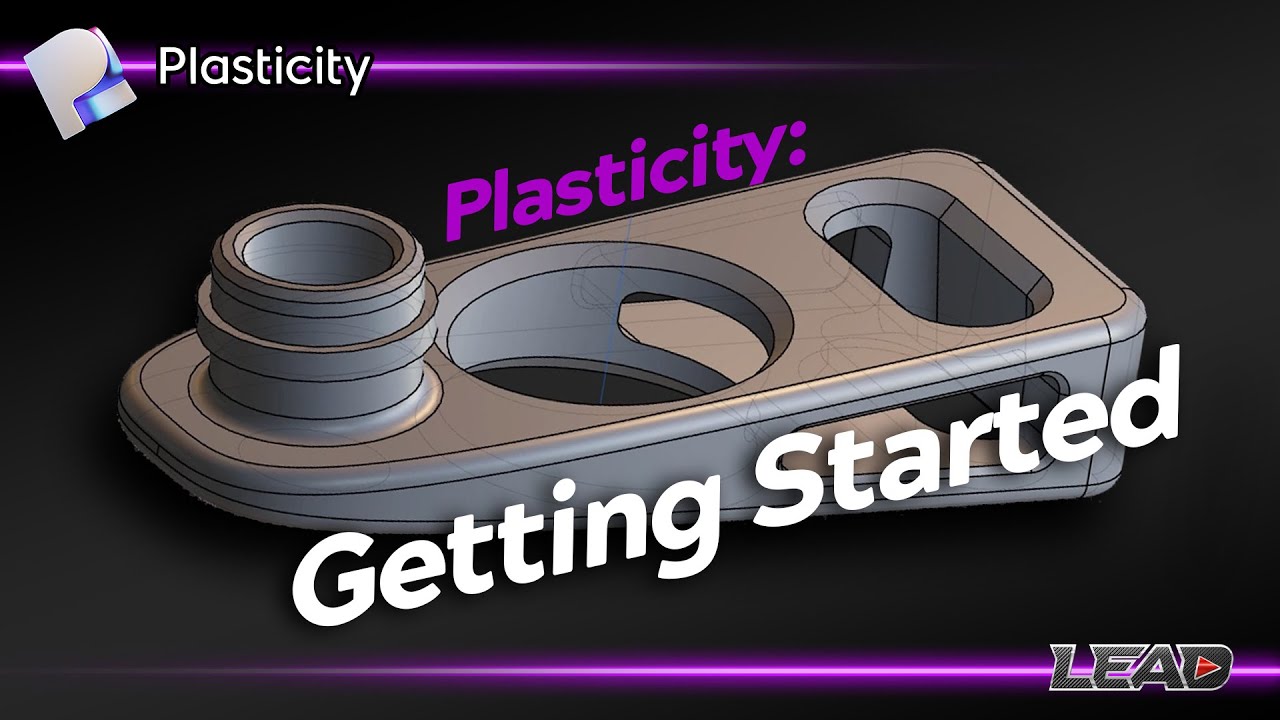
I don’t know how complex the models you plan to create will be, but consider the free option, FreeCAD, even if it is a bit buggy. If I had to dive into this topic right now, I would choose Plasticity for its user-friendly interface and quick learning curve.
Bear in mind that Blender is not CAD, but mesh modelling software. It is for different purposes. Trust me get Plasticity, you will love it, the interface is very user friendly and I can design quickly. Also it is better for 3D printing. I tried FreeCAD, it is very nice it exists and it is updating, but for my modelling needs the UI is too cumbersome.
How about one that is easy to learn and I mean easy peasy, one for someone with zero experience and does not have buku time for such learning? This may be pie in the sky but worth asking.
Plasticity again, easiest UI, there is 30-days trial if you want to try it. I do all my designs in it for years. It is like 175USD (plus local taxes) for individual perpetual license. It means you buy it, you own it, no subscription. I have never touched or liked CAD several years ago (believe me or not), when I tried Plasticity, I bought it without reservations and now I’m enjoying 3D modelling. Not least the developer started this project as individual 3-4 years ago (now small team), not some corpo, and it is improving it constantly. The Discord community is very active and helpful also.
Nikita Kapustin has very nice beginner friendly tutorials, also PixelFondue:
Ok, for the price it is probably worth the trial just need to convince myself, just short of $200 in my area. I watched the attached video which moves at a pretty good rate. I’ll go to the two sites you provided links for. I took a mechanical drafting class at the local junior college back in the late ‘70s but this was looooong before CAD drafting, T-squares, drafting tables, pencils and erasers. But my guess is the overall basics are the same just with a different approach. Now if I can just clean out 50 years of cobwebs.